
Spring break often gets criticized for wild college antics and impulsive moments that start with "It seemed like a good idea back then…"
But adults encounter their own set of spring break blunders—though typically quieter ones, mostly involving technology.
You want to enjoy time with your family, but work emails don't stop. So you rush, multitask, and tell yourself, "Just a quick email."
And that's precisely where trouble begins.
Discover the most frequent tech slip-ups on vacation—and learn how to avoid bringing home unwanted digital baggage.
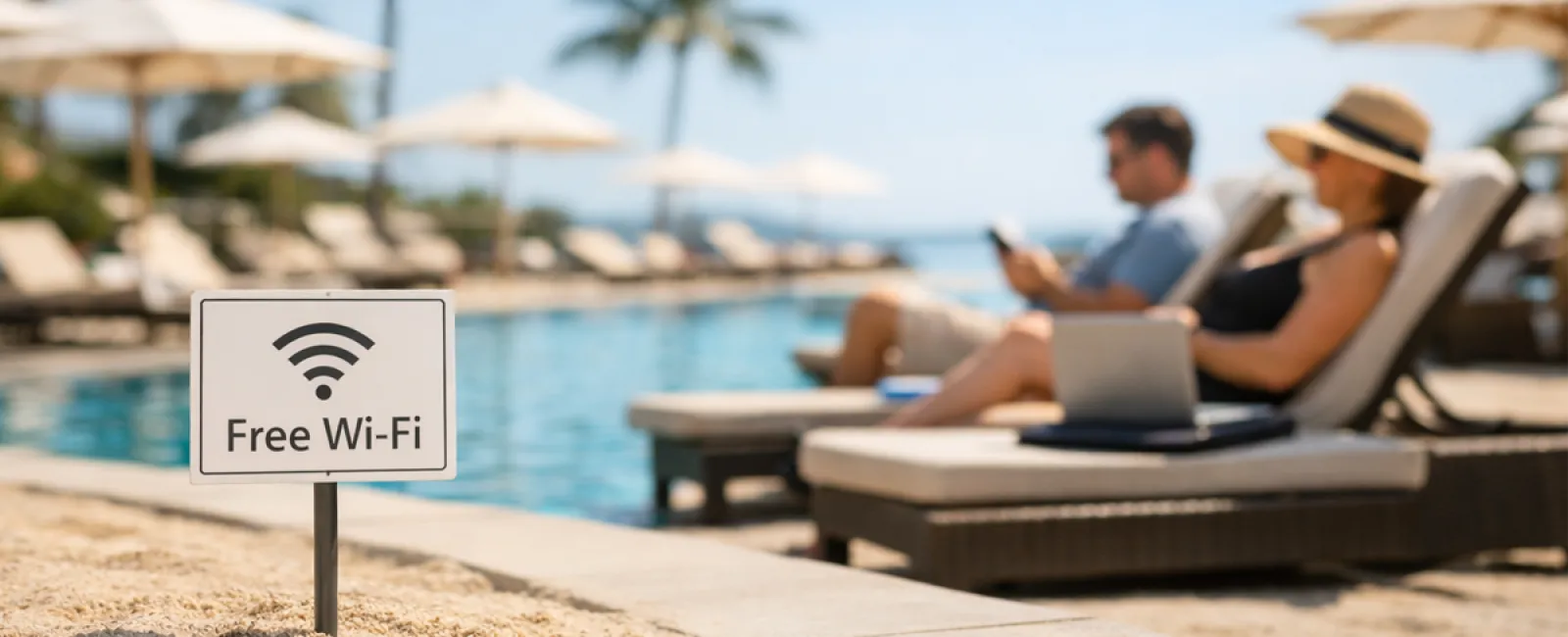
The "Free Wi-Fi Trap"
Hotels, cafes, airports—all offer Wi-Fi. You connect without hesitation, needing to send a quick email before breakfast ends.
The danger: Fraudulent networks named like "HOTEL_GUEST_FREE" run by cybercriminals nearby, capturing everything you enter — passwords, logins, banking info.
How to stay safe: Use your phone's hotspot for sensitive tasks. Always confirm the official network name at reception before connecting publicly.
The "March Madness Streaming Gamble"
The tournament is live. The hotel's TV shows golf. So you Google "free March Madness stream" and click the first seemingly legit link.
After a few annoying pop-ups, something downloads. You're unsure what you just got, but hey—the game's on!
The danger: Malware infections, browser takeovers, and fake sites masquerading as ESPN.
How to stay safe: Only use official streaming apps. If a URL looks suspicious, close it immediately.
The "Sure, Borrow My Phone" Mistake
Your kid's bored. You hand over your phone filled with games to keep them busy for a bit.
Forty-five minutes later, they've installed multiple apps, granted every permission, and signed up for something called "RobuxFreeForever."
The danger: Apps with risky permissions, linked to your email, and surprise in-app purchases you discover later.
How to stay safe: Provide a dedicated tablet for kid-friendly apps, separate from your work and banking data.
The "Just One Quick Login" Trap
One email leads to the CRM, then the accounting software, client portal, Slack—all on hotel Wi-Fi, while your family waits.
The danger: Each login increases the chance that someone on the network steals your credentials—especially when hurried.
How to stay safe: Use your phone hotspot for work access or ask: Can this really wait until after vacation?
The "Vacation Location Overshare"
Picture posted from the beach, location tagged, and a caption like "Here until the 15th! 🌴"
The danger: Announcing your home is unoccupied and far away—an open invitation to burglars.
How to stay safe: Share vacation photos after you return. The beach will still look amazing then.
The "Low Battery Panic"
Your phone's dying, and there's a USB port at the airport. You plug in to charge.
The danger: Juice jacking—compromised charging stations that steal your data while powering your device.
How to stay safe: Carry a portable charger and use your own cable and adapter.
The "Vacation Password Shortcut"
The resort Wi-Fi requires a password, so you quickly create "Beach2026!"
By trip's end, multiple accounts share this same password.
The danger: One security breach compromises all your accounts.
How to stay safe: Utilize a password manager to generate strong, unique passwords—even for temporary accounts.
Final Thoughts
These errors don't stem from carelessness. They happen because you're distracted, rushed, and eager to enjoy vacation mode.
And that's perfectly normal.
The goal isn't perfection—it's fewer "uh-oh" moments once you return home.
Preparing for Spring Break?
Your business might already have strong travel habits—if so, enjoy your getaway.
If some of this sounds familiar (no judgment), a brief 15-Minute Discovery Call could provide the practical tips you need.
No pressure, no gimmicks. Just straightforward advice to keep your vacation stress-free.
And if this isn't your situation, feel free to share it with someone who could benefit from smarter spring break tech practices.
Click here or give us a call at 703-879-2070 to schedule your free 15-Minute Discovery Call.


