
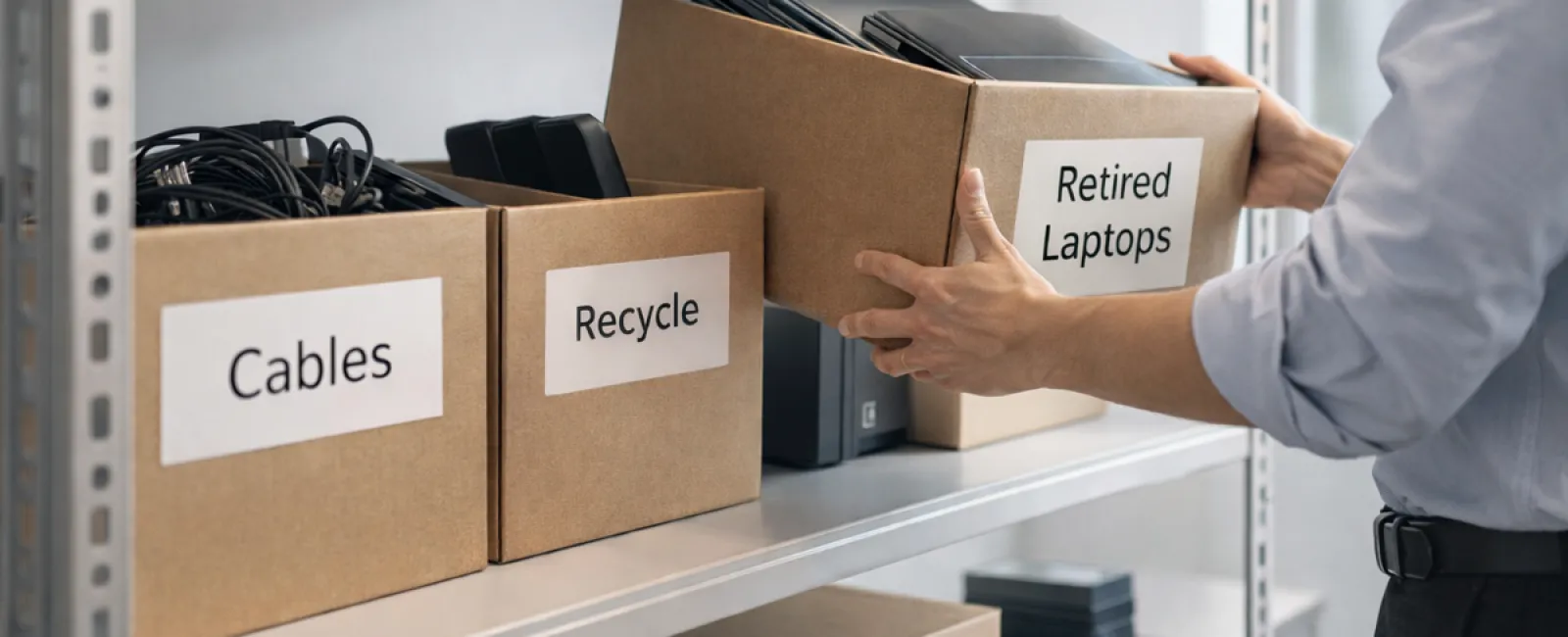
While spring cleaning often starts with tidying closets, for most companies, the real clutter lies beyond racks and shelves.
It might be piled on a server rack or stashed away in storage rooms, back offices, or even a "deal with later" heap.
Old laptops, outdated printers, backup drives from years ago, and boxes of cables hoarded "just in case" are common.
Virtually every business accumulates this tech debris.
The key question isn't whether you own it — it's whether you have a strategic plan for its future.
Technology Follows a Lifecycle — Beyond the Purchase Date
Businesses usually acquire new equipment with clear goals: improved speed, enhanced security, greater capabilities, or scalability.
Most companies map out their tech purchases; few design strategies for their proper retirement.
When devices are retired, it often happens quietly — replaced, set aside, then forgotten until space is urgently needed.
That's typical.
What's uncommon is addressing tech retirement with the same deliberate care as acquisition.
Used technology holds residual value, contains recyclable parts, and may store sensitive data. Letting it linger can cause inefficiencies and distractions.
Spring offers a prime moment to evaluate: What's still useful and what's just occupying space?
A Clear-Cut Strategy for Tech Cleanup
To transform "we should" into action, implement this straightforward four-step plan.
Step 1: Take Inventory
Identify exactly what technology you're retiring—laptops, phones, printers, network devices, external drives? You can't manage what's unaccounted for, and a quick assessment often uncovers surprises.
Step 2: Define the Outcome
Devices generally fall into reuse (internal redeployment or donation), recycling (via certified e-waste programs), or destruction (to protect sensitive data). The goal is making intentional decisions rather than letting hardware languish indefinitely.
Step 3: Prepare Devices Thoroughly
Proper preparation is crucial.
For reuse or donation, remove devices from management systems, revoke all access, and ensure thorough data wiping—not just a factory reset. Simple deletes or quick formats don't erase data; they only remove pointers to file locations.
According to Blancco, 42% of drives resold on eBay still contained sensitive information despite sellers' claims of data wiping. Certified erasure overwrites every data sector and provides verification.
If recycling, choose certified e-waste providers instead of dumping devices. Note: Best Buy's recycling program is meant for households, not businesses.
For commercial gear, partner with IT asset disposition (ITAD) firms or business-focused recyclers holding e-Stewards or R2 certification. Your IT service provider can assist here.
For destruction, use certified data wiping or physical destruction methods like shredding or degaussing. Keep detailed records including serial numbers, methods, dates, and handlers.
This approach safeguards your business and closes the loop responsibly.
Step 4: Document and Move Forward
Track where each piece of equipment goes, how it's processed, and confirm access removal. Thorough documentation eliminates lingering doubts.
Devices Commonly Overlooked
Laptops often get attention, but other gear is frequently ignored.
Phones and tablets may retain access to emails, contacts, or security apps. A factory reset tackles most data, but certified mobile wipe tools offer deeper erasure. Leading brands offer trade-in programs that even accept older models, potentially providing credit toward new purchases.
Printers and copiers often contain internal hard drives storing all printed, scanned, copied, or faxed documents. If returning leased equipment, request written confirmation that drives will be wiped or removed prior to redeployment.
Batteries are considered hazardous waste by the EPA. In many states, including California, New York, and Minnesota, it's illegal for businesses to discard rechargeable batteries in regular trash. Remove batteries when possible, tape terminals to prevent shorts, and recycle them at certified drop-off centers. Check Call2Recycle.org or retailers like Staples, Home Depot, and Lowe's for collection locations.
External drives and retired servers often linger in storage. While not inherently problematic, they must undergo the same responsible retirement steps as other devices.
Responsible Recycling Matters
April's Earth Day prompts important reminders.
E-waste must not fill landfills. Over 62 million metric tons of electronic waste are generated yearly worldwide, but just 22% are properly recycled. Batteries, circuit boards, and monitors require specialized recycling. Certified e-waste programs are available in most communities to help.
By retiring tech correctly, you enhance operational efficiency, protect the environment, and stay strategically smart. Responsible and secure disposal go hand in hand.
This commitment also resonates on social media—customers notice when businesses handle tech responsibly without fanfare.
The Greater Advantage
Spring cleaning is less about discarding items and more about creating space.
While clearing outdated gear, consider the bigger picture: Does your technology empower how you want to operate?
Hardware cycles through, but software, automation, systems, and workflows drive true productivity and profit.
Proper tech retirement keeps things orderly; aligning systems with your goals moves your business ahead.
How We Can Help
If your equipment retirement process is already clear and simple, that's ideal.
As you rethink hardware replacement, it's a perfect moment to assess your entire tech ecosystem. Are systems integrated? Do tools collaborate? Is technology propelling growth or just maintaining status quo?
If you want to explore how your tech stack, workflows, and processes can boost productivity and profits, we'd be glad to chat.
No sales pitch. No equipment checklist. Just a straightforward conversation about optimizing technology for your business.
Click here or give us a call at 703-879-2070 to schedule your free 15-Minute Discovery Call.
If this inspired you, feel free to share it with other business owners.
Don't let spring cleaning stop at closets—include the vital systems that drive your business forward.


